


Kotatsu APK
Kotatsu
- Version
- 9.8.4
- Size
- 17.9 MB
- Category
- Entertainment
Screenshots
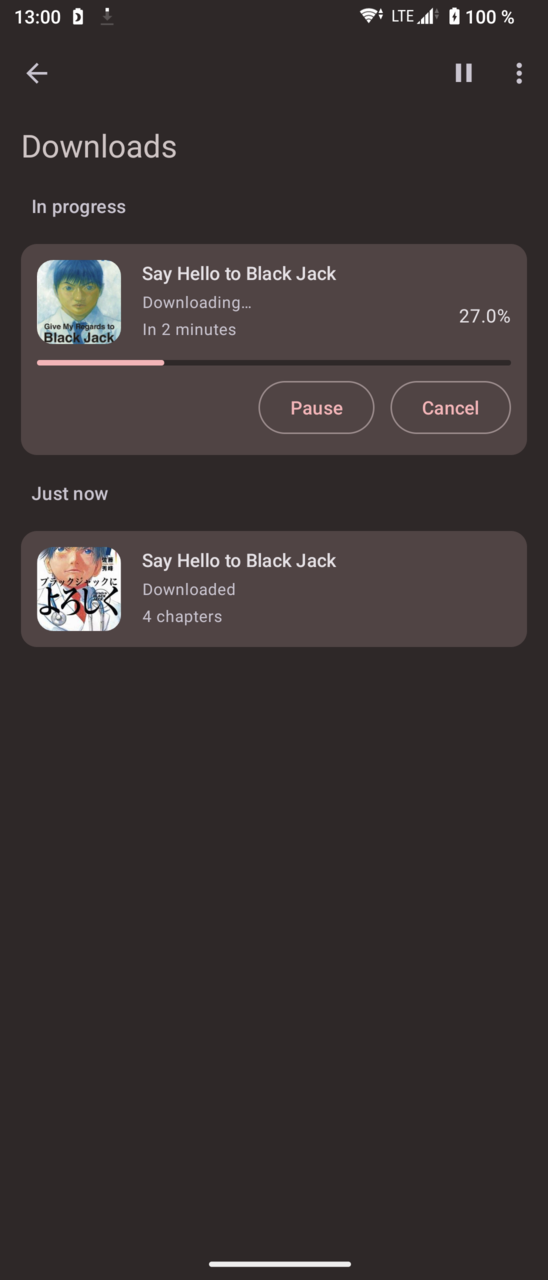
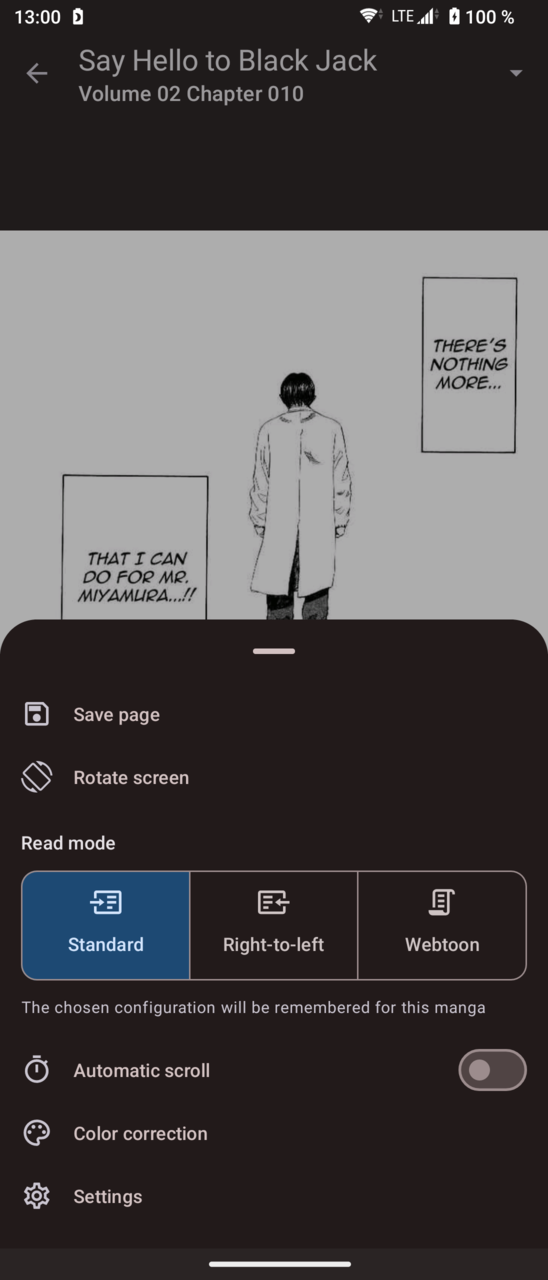
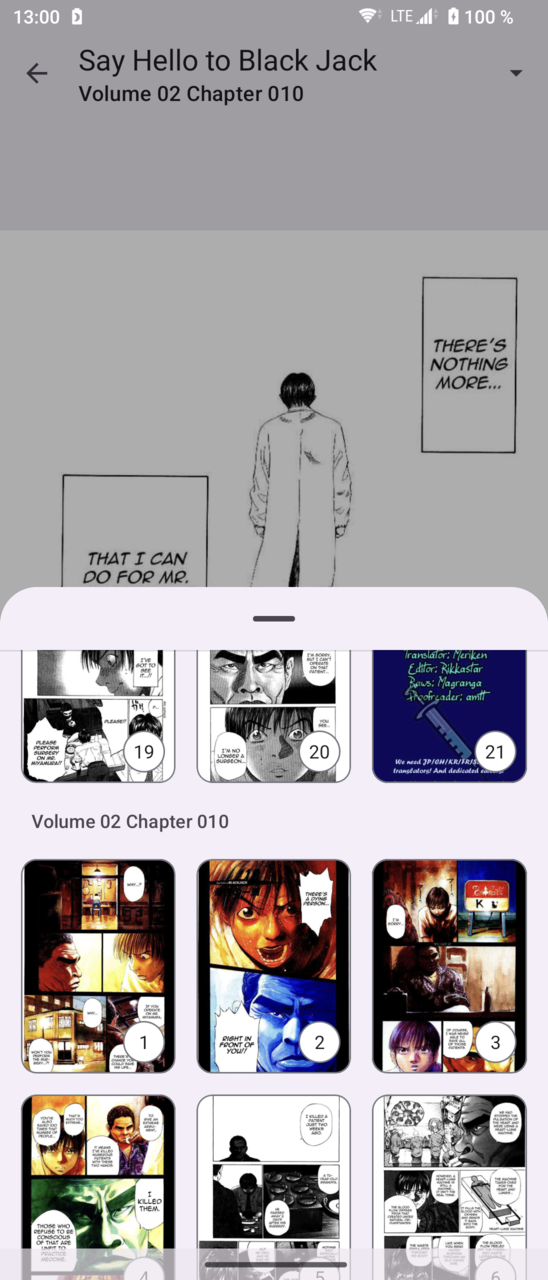
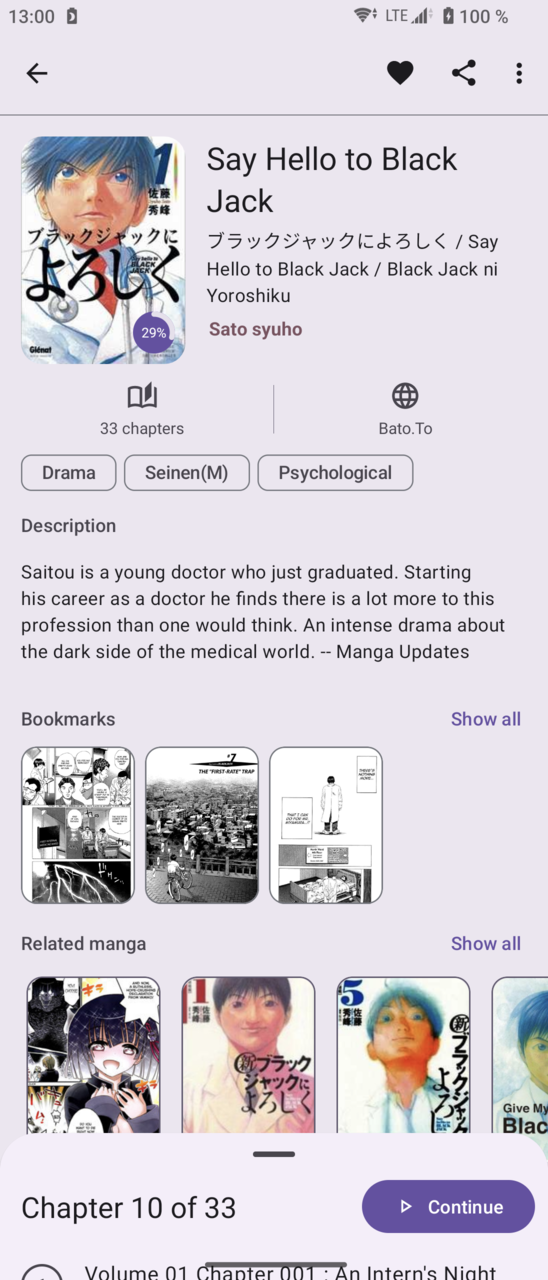
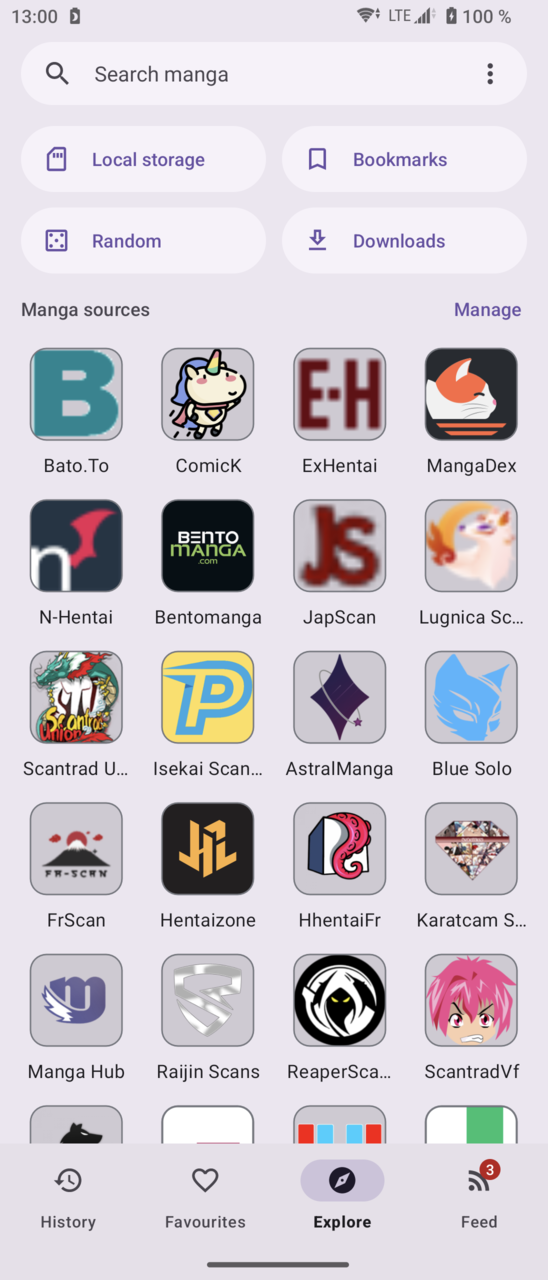
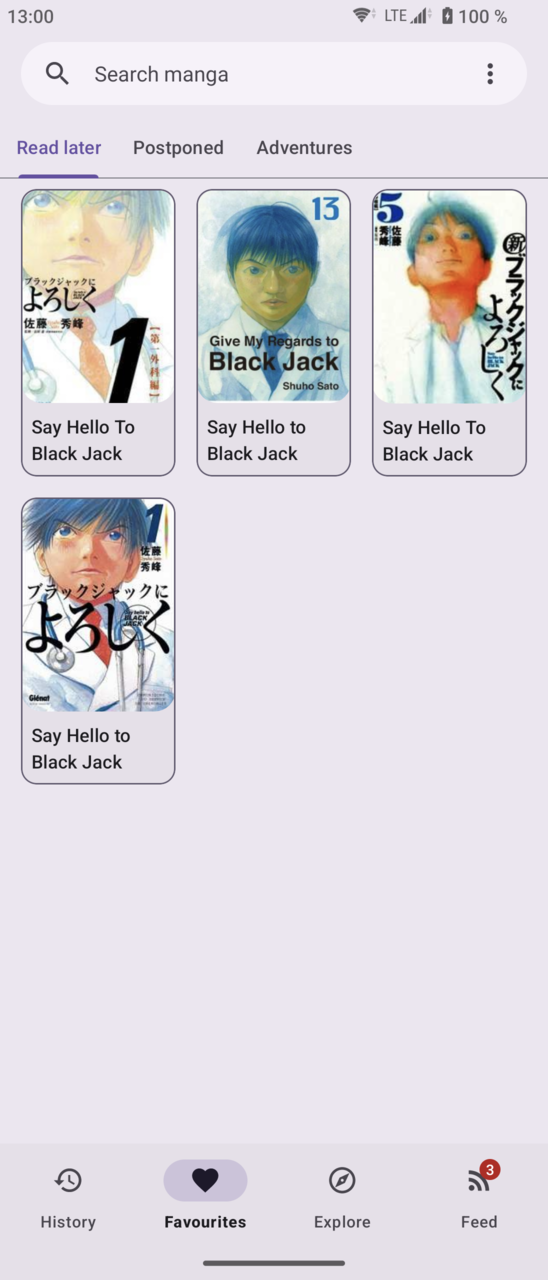
What's new
Version 9.8.4 is the newest build on APKBlade, updated 4 October 2026.
Your go-to free manga reader for Android, with a vast online catalog and easy search features.
Hey there, manga lovers! Are you on the hunt for an awesome way to dive into the world of manga right on your Android device? Well, get ready to cozy up with Kotatsu, the manga reader app that’s taking the manga community by storm!
What is Kotatsu?
Kotatsu is a really nice free app for Android phones that lets you read manga. It’s like having your favorite manga stories in one cozy place where you can read them with just a tap. With Kotatsu, it’s like all your manga adventures are on a virtual version of those warm Japanese tables called kotatsu that have blankets on them. You can read endless manga stories there!
Main Features of Kotatsu
- Online Manga Catalogues: Kotatsu connects you to several online manga collections. This allows you to look through a huge number of manga titles—just choose one and begin reading!
- Looking for something specific? No problem! You can search for manga by its name or look through different types of stories to find your next read. Whether you enjoy action, romance, fantasy, or something else, Kotatsu has what you need.
Why Kotatsu Rocks
- It’s Free: Yes, you read correctly. Kotatsu does not require any payment. It is as if you have obtained free access to a manga haven.
- Open Source Goodness: An open source app is made by a community for the community. The community helps create it. You can look at the code yourself if you want to see how it works.
- Kotatsu’s APK file is safe to download because it is original and does not contain viruses. You do not need to worry about unexpected problems.
How to Get Kotatsu
Downloading Kotatsu is very simple. You can get the APK file directly from the download link provided at the top of this post.. Or, if you know how to use GitHub, you can find it there too. People who like free and open-source apps can download Kotatsu from F-Droid also. F-Droid has many open-source programs available just like a treasure chest would.
Join the Community
Kotatsu isn’t just an app; it’s a community. You can join the conversation on Telegram or Discord to chat with other manga enthusiasts, share your favorite titles, or even get help if you’re having trouble with the app.
In a Nutshell
Kotatsu is the best app for reading manga on Android phones and tablets. It’s free to download and use, and anyone can help improve it. Kotatsu has many tools that make looking at manga really easy. Don’t wait – get Kotatsu now! You can then start looking through tons of manga whenever you want. Enjoy exploring manga on your phone or tablet. Happy reading everyone! 📚✨
More About Kotatsu
| Name | Kotatsu |
|---|---|
| Package Name | io.github.kotatsuredo.kotatsu |
| Category | Entertainment |
| Version | 9.8.4 |
| Size | 17.9 MB |
| Developer | Kotatsu |
| Last Updated | 4 October 2026 |
How to Install Kotatsu
- Tap the download button and let the file finish.
- Open the file from your notifications or the Downloads folder.
- If Android asks, allow your browser to install unknown apps.
- Tap Install, then open the app.
FAQ'S
How to install Kotatsu on android phone?
Once you've downloaded the APK file, click on the downloaded file, then hit the "Install" button.
I am getting Play Protect warning while installing!
Some mod APK files might get a warning. You can ignore this warning and install the APK file. Follow these simple steps to turn off Play Protect: Open Google Play app > Click Profile Icon > Select Play Protect -> Setting > Turn off both "Scan apps with Play Protect" and "Improve harmful app detection" options.
How to update APK without losing the data?
To update APK without losing the data, you don't need to follow anything extra. Click on the downloaded APK file and click the "Install" button. The app will update automatically without loss of data.
How to fix problems while installing/opening?
Make sure you have downloaded the file correctly. The downloaded file extension must end with .apk file. If you face any package install error, redownloading the file may fix the issue.


















Ratings and reviews
There are no reviews yet. Be the first one to write one.